MM logo white 1
MM logo red
Image description is not available

What you need for a good PC gaming setup

Julia30 NOVEMBER 2025
Sleek gaming setup with three bright monitors, RGB keyboard, glowing mousepad and lit PC tower on a dark desk.

Dreaming of a top-notch PC gaming setup that’s ready for any game? In this article, we’ll show you which components are essential, which specs to watch for, and how to arrange everything ergonomically and stylishly. From a powerful gaming PC and fast monitor to a comfortable chair, adjustable desk, and streaming accessories – here’s how to build your ultimate setup step by step.

How to set up a PC gaming setup in your room

For the ultimate PC gaming setup in your room, you’ll need the following:

  • A powerful gaming PC with a fast processor, strong graphics card, plenty of RAM, and ample SSD storage.
  • One or more gaming monitors with high refresh rates and low response times.
  • A gaming mouse and keyboard for fast gameplay.
  • A gaming headset with surround sound and a microphone for online gaming.
  • An ergonomic gaming chair.
  • An adjustable gaming desk for a healthy posture and enough space.
  • Add streaming and ambience accessories: lighting, speakers, microphone, and webcam.

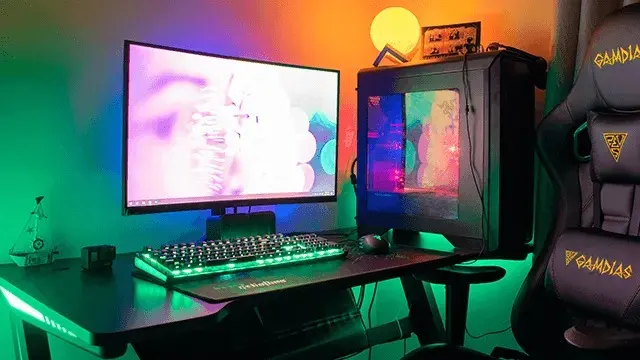
Gaming desk with vivid green lighting, single monitor, glass PC case, RGB keyboard and ergonomic Gamdias gaming chair.

Choose a powerful gaming PC

A good gaming setup starts with a strong gaming PC. Gaming PCs are powerful desktops designed specifically for gaming. Compared to a regular PC, they have a much faster processor, more memory, a stronger graphics card, and a better motherboard. This allows you to game at high speeds with a high FPS (frames per second) and easily multitask while gaming. When choosing the right gaming PC, keep the following in mind:
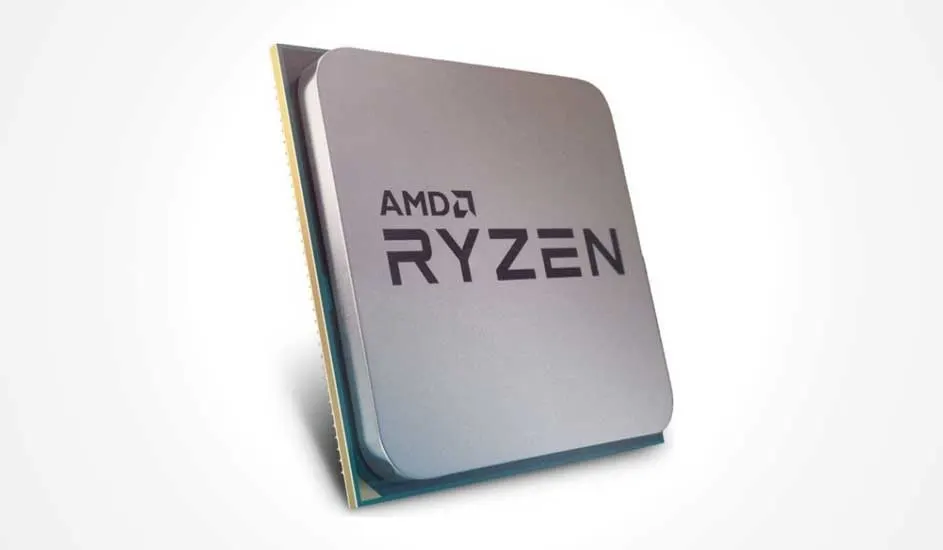
Square AMD Ryzen processor tilted upright, silver heatspreader with bold black logo and a thin green circuit board edge.
  • Go for a fast CPU (for example, AMD Ryzen 7 or Intel Core i7) for high frame rates.
  • Choose a powerful GPU (for example, NVIDIA GeForce RTX 5000 series) for sharp visuals and ray tracing (how light is used for realistic graphics).
  • Opt for at least 16 GB or 32 GB of RAM.
  • Use an SSD of at least 1 TB for fast load times; optionally add an extra HDD for storage.
  • Ensure good cooling (air or liquid).
  • Check for enough USB ports and Wi-Fi connectivity.

View the best gaming desktops
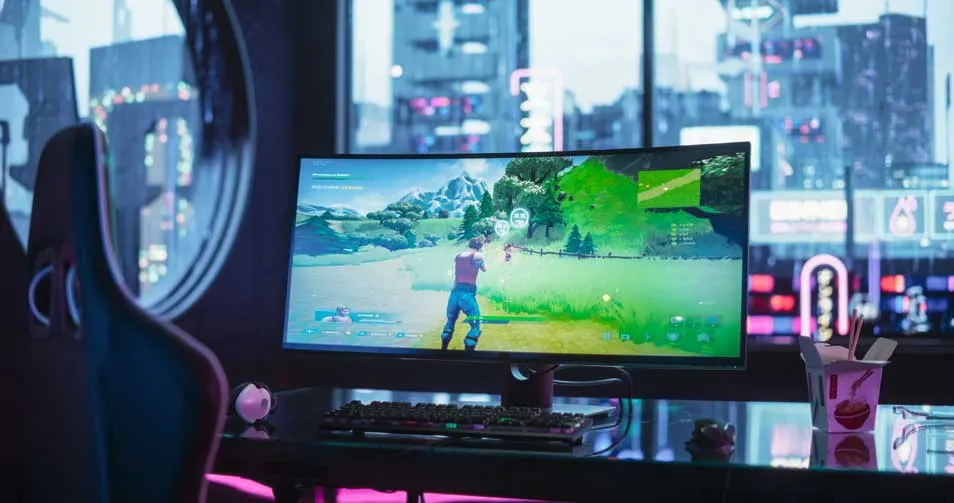
Ultra-wide gaming monitor showing shooter, neon-lit desk with keyboard, mouse and takeaway box in front of a city view.

One or more gaming monitors with high refresh rates

A gaming monitor is a powerful display that brings your games to life in 3 dimensions. With high image quality and ultra-fast response times, you experience your games vividly without disruptive stutter. When choosing a monitor, keep the following in mind:

  • Ensure the monitor matches your other hardware and graphics card. A powerful GPU needs a monitor that can handle high frame rates and graphics.
  • Choose a monitor with 144 Hz or higher (165–240 Hz for e-sports) for smooth visuals and reduced motion blur.
  • Decide on size and resolution: 24-27 inches for 1080p/1440p; 32 inches or ultrawide for more immersion.
  • Consider curved screens for a wider field of view and more depth in single-player games.
  • Check the connections: DisplayPort for high refresh rates, HDMI 2.1 for consoles/high Hz, and a USB hub for accessories.

View the best gaming monitors
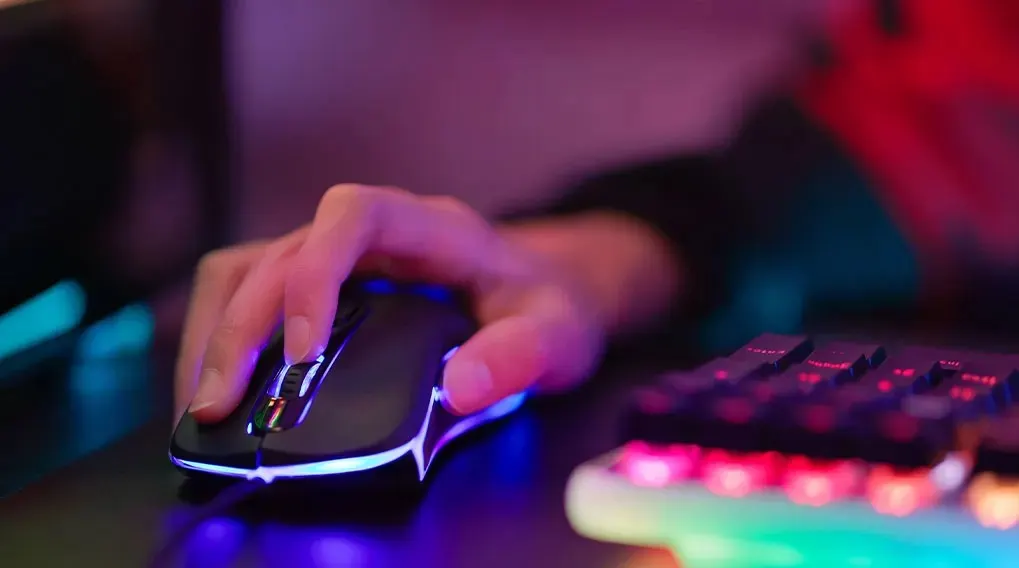
Hand resting on a black RGB gaming mouse beside glowing keyboard on dark desk, surrounded by soft neon ambient colours.

Gaming mouse and keyboard for smooth gameplay

In addition to a good gaming PC and monitor, you also need a gaming mouse and keyboard for smooth gameplay. Gaming mice and keyboards are specially designed to handle rapid clicks and keystrokes. They often feature an ergonomic design as well, providing comfort during longer gaming sessions.

View the best gaming mice
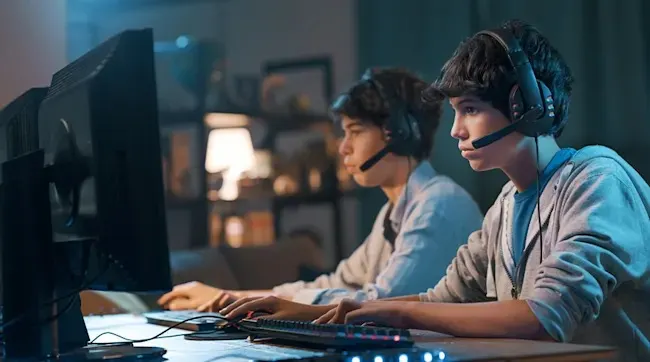
Two teenagers wearing headsets sit focused at large monitors, gaming together at the same desk in a cosy room.

Go for a gaming headset with surround sound

Do you enjoy playing online with or against other gamers, or intense games where you need to track sound from multiple directions? Then a gaming headset with surround sound is essential. Gaming headsets often come with a built-in microphone, making it easy to communicate with your teammates. Choose a model with closed ear cups so you can play undisturbed at night without bothering others, and pay attention to comfort: memory foam, an adjustable headband, and lightweight design help during long sessions. Consider a wireless headset so you’re not tethered to your PC and can move freely.

View the best gaming headsets
Gamer in ergonomic chair with headset faces monitor, purple-lit PC tower beside, tidy desk with lamp and plant behind.

Complete your gaming setup with a gaming chair

A good gaming chair lets you play comfortably and stay focused, even during long sessions. Gaming chairs are built differently from standard office chairs: they provide more ergonomic support, feature a sporty design, and remain comfortable for longer. Choose an adjustable chair so you can tailor it to your body. There are gaming chairs that look like office chairs as well as ones with a futuristic design. With the right chair, you can game for hours without straining your back.

Choose the best gaming chair for you
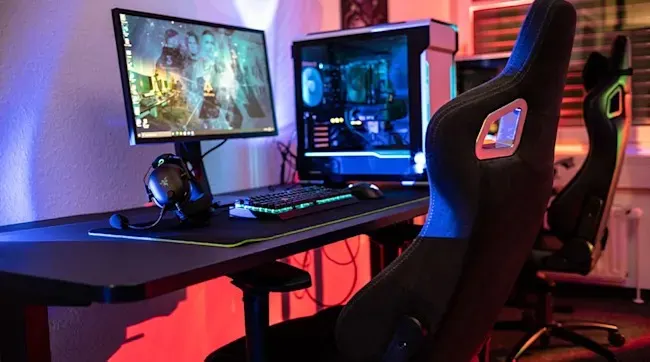
Dark gaming setup with monitor, glowing PC case, RGB keyboard and mouse, surrounded by two ergonomic gaming chairs.

Take your gaming setup to the next level with an adjustable gaming desk

Even with a good, comfortable gaming chair, it’s important to move occasionally to prevent physical strain. An adjustable gaming desk provides an ergonomic gaming experience and plenty of space for all your hardware and accessories. With an adjustable desk, you can easily switch between sitting and standing while gaming, helping you move more and improve your posture during play. Choose a desktop large enough for multiple monitors and gaming accessories, with smart features like an integrated headset or cup holder and cable management to keep everything tidy. Make sure it has enough weight capacity for your heavy gaming PC, monitors, speakers, and any monitor arms. This way, your setup stays sleek, ergonomic, and ready for intense gaming sessions.

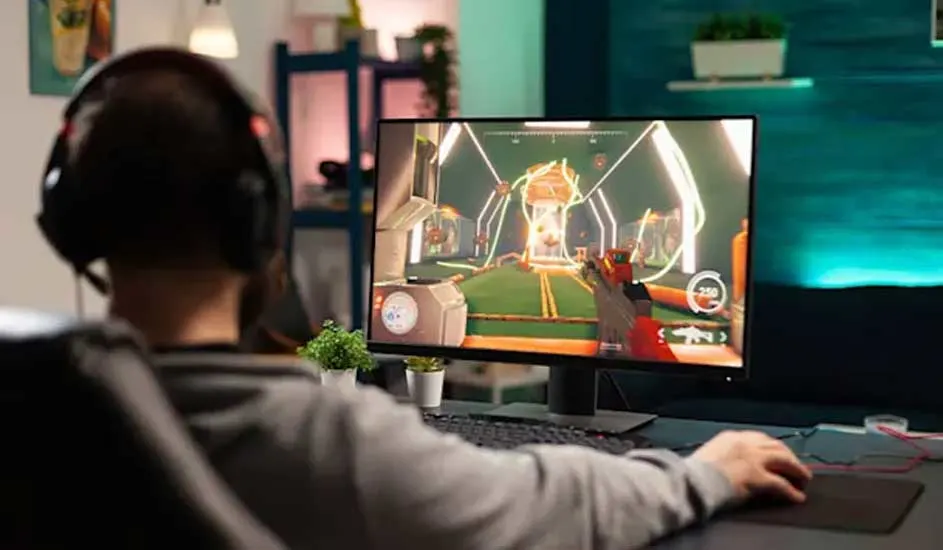
Gamer wearing headset sits at wide monitor, playing colourful sci-fi shooter, hand on mouse in warmly lit modern room.

Accessories to stream your gaming adventures

With the right accessories, you can give your setup the finishing touch and take the step into streaming or starting your own gaming podcast. Create atmosphere with RGB lighting for a professional on-camera look and ensure even lighting with a ring light or softbox. Use a gaming microphone, optionally with a pop filter, for clear audio, and add a webcam for sharp video. This way, you can kickstart your streaming career effectively.

Our advice on building a PC gaming setup

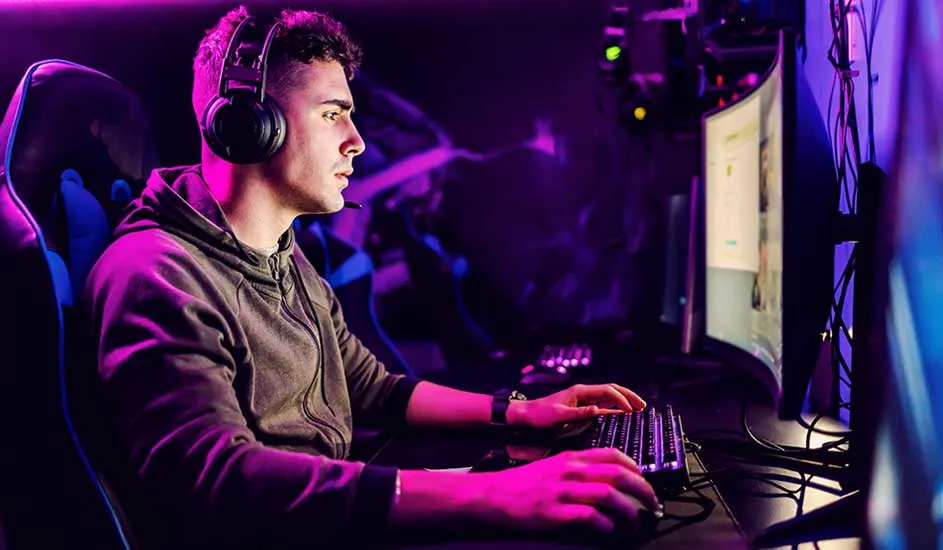
Gamer wearing headset sits focused at curved monitor, hands on keyboard and mouse, purple neon lighting fills the room.

Want to build your own PC gaming setup? Start with a powerful gaming PC (fast CPU, strong GPU, at least 16 GB of RAM, and a spacious SSD) and a gaming monitor with a high refresh rate and low response time. Add a gaming mouse and a mechanical keyboard for comfortable and fast gameplay. Choose a headset with surround sound and a microphone for online gaming. Sit ergonomically in a gaming chair and consider an adjustable desk to switch between sitting and standing. Planning to stream? Add ambient lighting, a quality microphone, a webcam, and a ring light. This way, you’ll get the most out of your gaming experience.

How do you further set up your gaming room?

FAQ

These articles may also be interesting for you